Your First Conversation in 5 Minutes
By the end of this guide, you'll have logged into Kewbot, handled a real conversation, and replied to a customer. Nothing more, nothing less—the foundation for everything else.
Estimated time: 5 minutes. What you'll need: your access URL, username, and password (provided when your account was created).
1. Log in to Kewbot
Open your personalized access URL and enter your username and password.
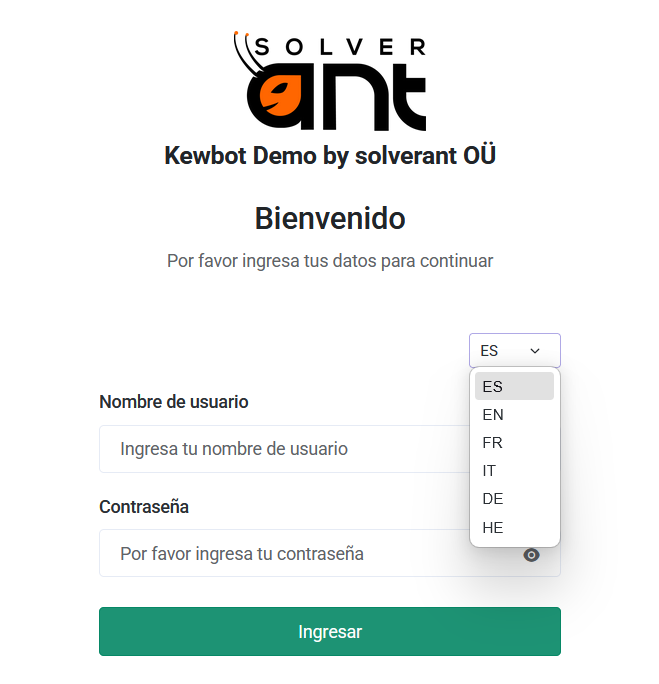
If your account has more than one role, select Go to Agent View.
2. Pick Up a Conversation
In the Agent Inbox, you'll see conversations waiting to be handled. Click one to open it. From that moment on, it's assigned to you and the customer is no longer waiting.
3. Reply
Type your message in the input box at the bottom and send it. The customer will receive it instantly on WhatsApp, from your company's phone number.
Quick Replies
If you frequently send the same responses, Quick Replies let you insert them with a single click.
4. Close the Ticket
Once the customer's request has been resolved, close the conversation. It will remain stored with its complete history and will be included in your metrics.
That's it. You've completed the entire workflow: log in, handle a conversation, reply, and close the ticket.
Next step → Explore the Agent View in depth