Groups
Introduction
A Group in Kewbot is a destination where incoming conversations can be routed.
They are used to organize customer support by department (e.g. Support, Sales, Marketing, Human Resources) and ensure each inquiry reaches the right team.
When a ticket is routed to a group, the system automatically sends a welcome message, informing the customer that their request has been assigned to that group.
Groups List
This screen shows the list of groups available in the company.
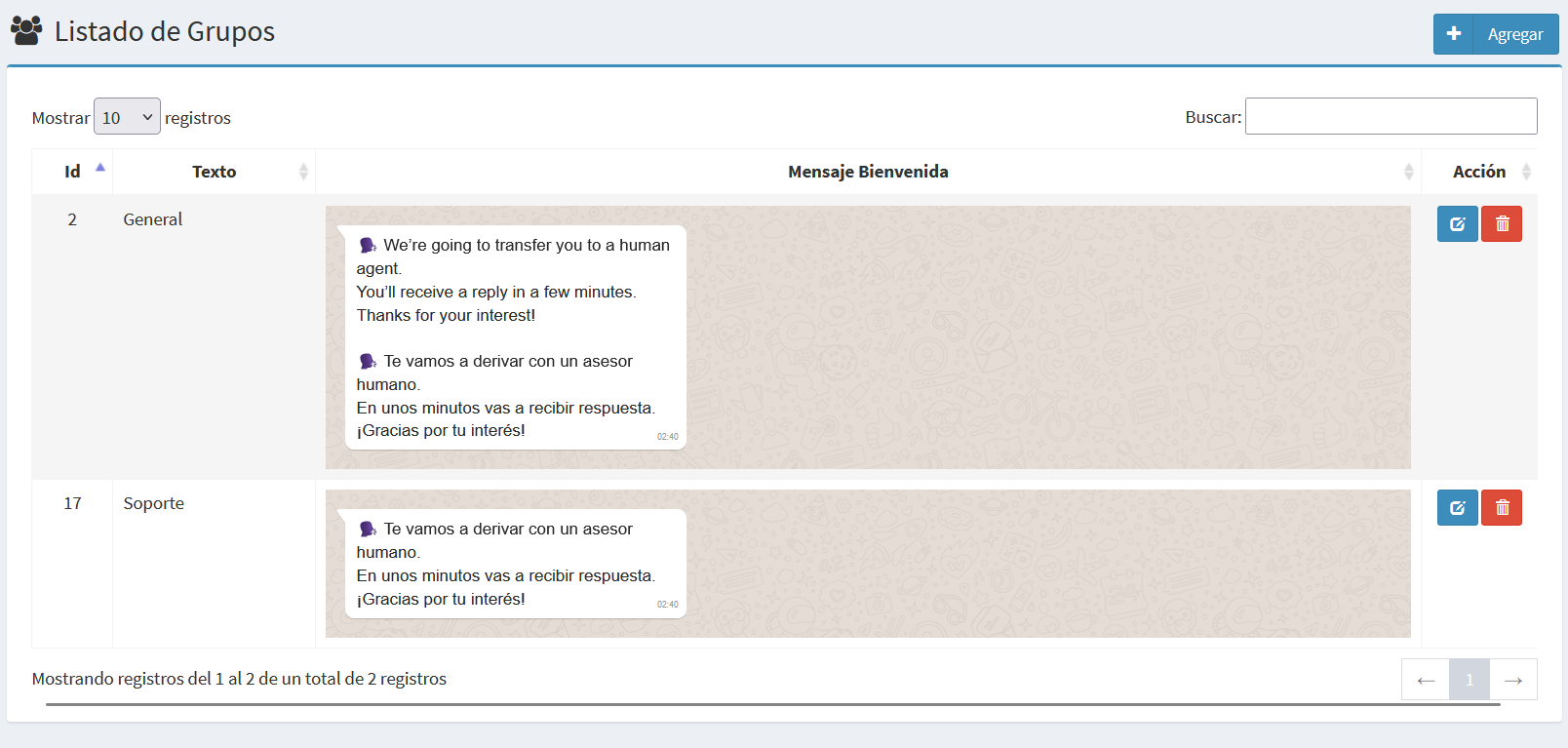
Each row includes:
- ID → unique identifier of the group.
- Name → descriptive label of the group (e.g. General, Support).
- Welcome Message → text automatically sent to the customer when routed.
- Actions → buttons to edit or delete the group.
The welcome message is important as it reassures the customer that their conversation has been correctly routed and will be answered shortly.
Create/Edit Form
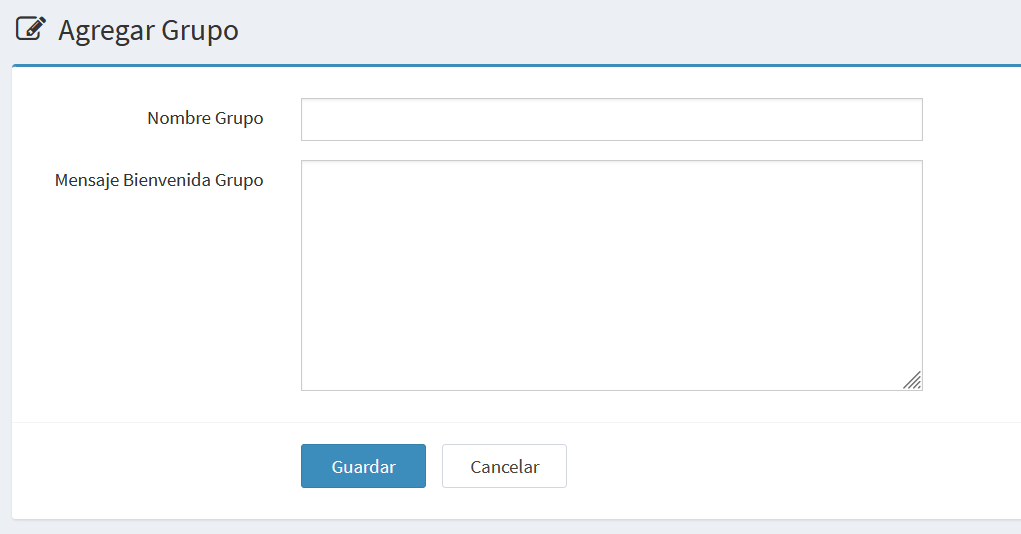
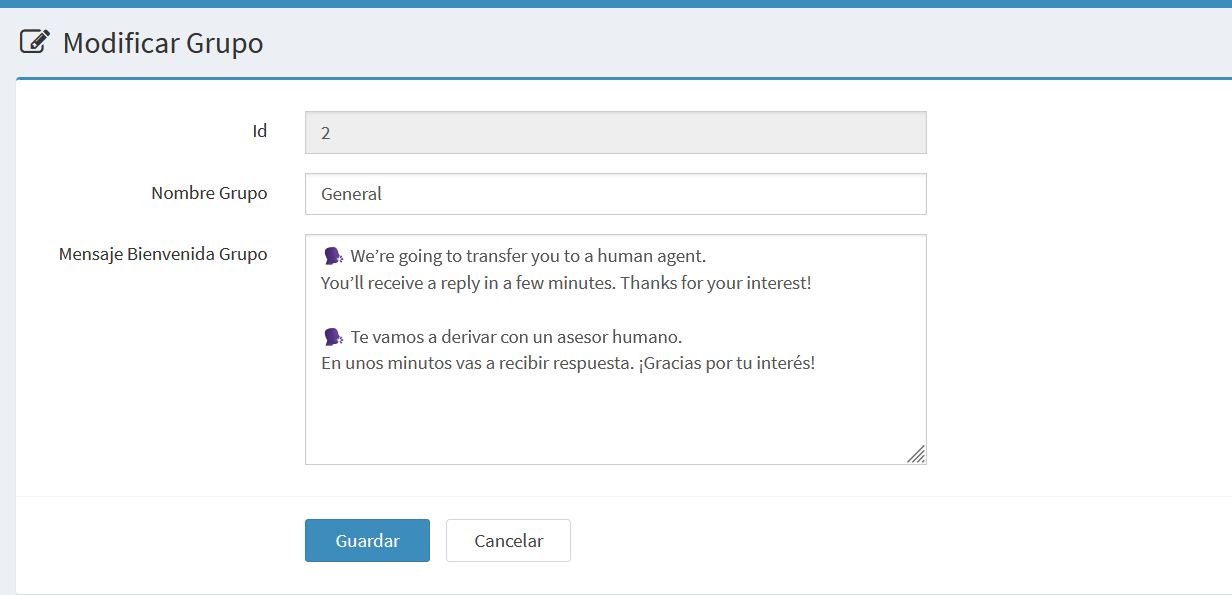
The form allows you to create a new group or edit an existing one.
Both forms are equivalent: in the edit view, the ID field (read-only) is displayed.
Example: creation
Example: edition
Main fields
- ID → read-only, shown only when editing.
- Group Name → short, descriptive name (e.g. General, Support, Marketing).
- Group Welcome Message → text automatically sent to the customer when routed.
- Can include line breaks.
- Can include emojis.
- Supports simple text formats: bold (
*text*), italics (_text_). - Common examples:
- "Your request has been routed to the Support team. You will receive a reply shortly. Thank you for your patience!"
- "We are transferring your message to the Sales team. They will contact you soon."
Actions
- Save → confirm and save the group.
- Cancel → discard changes and return to the list.